Input
Lower-cost official route and the default for new requests and API keys.
Default: "auto"
Default: "1K"
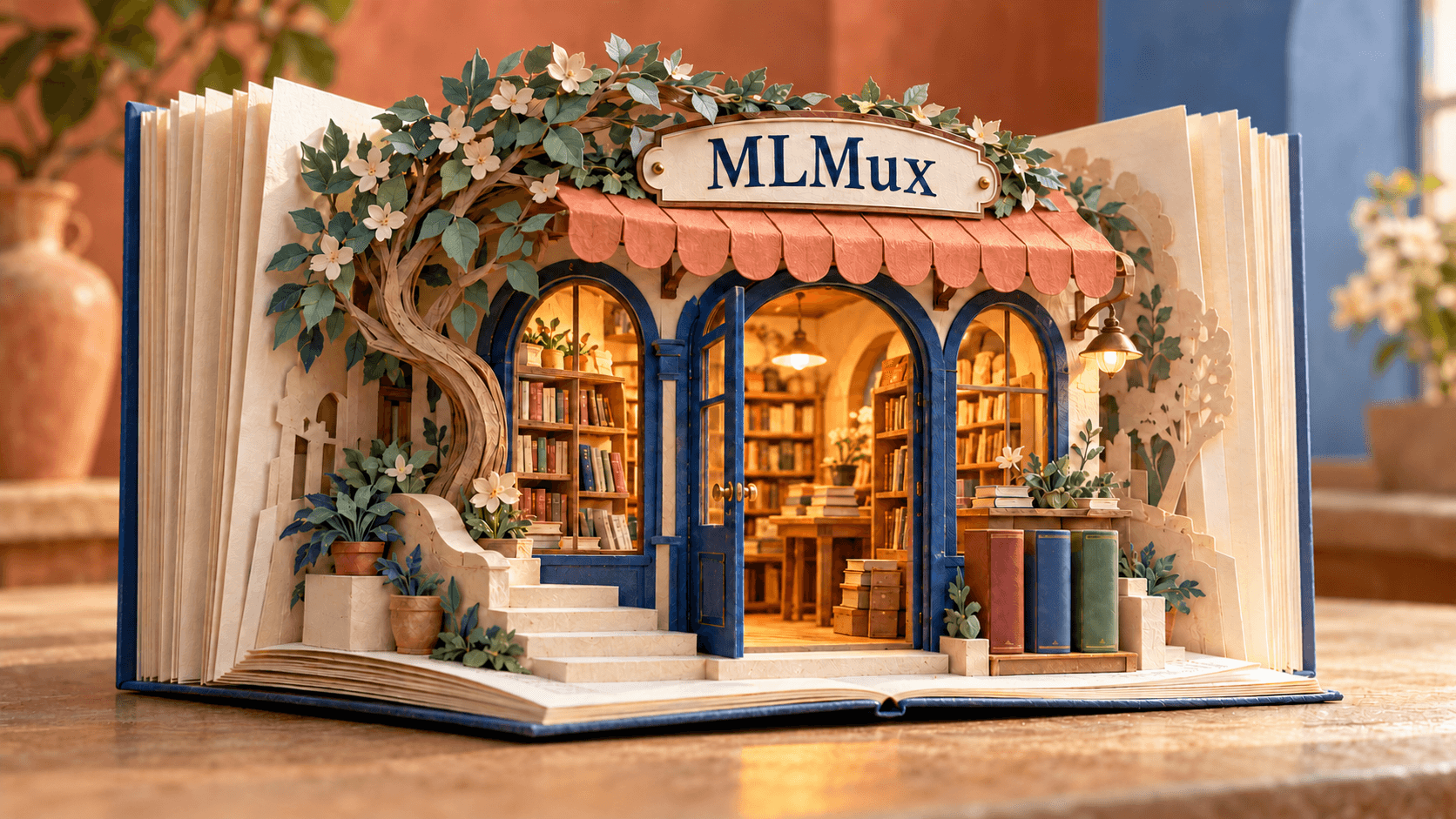
High-fidelity image generation and editing for product photography, readable text, and detailed creative workflows.
Choose the same two routing tiers used across MLMux. The selected route is included as route_mode in every request.
Learn more about pricing ↗GPT Image 2 is billed on the tokens it returns, per 1M tokens: official at the provider's published rates, official-cheap at 50% of them. If a response carries no usage, the per-image price applies.
| Tokens | official | official-cheap |
|---|---|---|
| Text input | $5 / 1M tokens | $2.5 / 1M tokens |
| Image input | $8 / 1M tokens | $4 / 1M tokens |
| Image output | $30 / 1M tokens | $15 / 1M tokens |
GPT Image 2 is available through MLMux with one request shape and two explicit route tiers.
Use one endpoint for new images, targeted edits, and iterative creative workflows with up to sixteen references.
Describe exact headlines, labels, and layout constraints for posters, packaging, and product compositions.
Select a practical aspect ratio, target resolution, file format, and output count for each request.
GPT Image 2 is an image generation model from OpenAI. On MLMux you can run it in the browser or call it through one API. High-fidelity image generation and editing for product photography, readable text, and detailed creative workflows.
Create an API key in the MLMux Console, then send a POST request to https://api.mlmux.com/v1/images/generations with the key in the Authorization header and model set to openai/gpt-image-2. The generated images are returned in the response.
Generation modes: Text to image and Image editing. Each request accepts up to 16 reference images and returns 1K, 2K, or 4K images in aspect ratios such as 1:1, 16:9, 9:16, 4:3, and 3:4.
MLMux is pay as you go, with no subscription or monthly fee, and 1 credit equals 1 US dollar. Each GPT Image 2 request is billed by usage on the route you choose: official, or the lower-cost official-cheap route that is used by default. Current rates are listed in the pricing section of this page.
Yes. Sign in and use the playground at the top of this page to run GPT Image 2 with the same settings as the API. The API tab shows the matching request in Node.js, Python, and HTTP.

Image generation and editing with reference-guided workflows.

Fast image generation and editing.
Professional image generation.
Professional image generation and editing.
High-fidelity image generation.

High-fidelity image generation.

Controlled image generation.
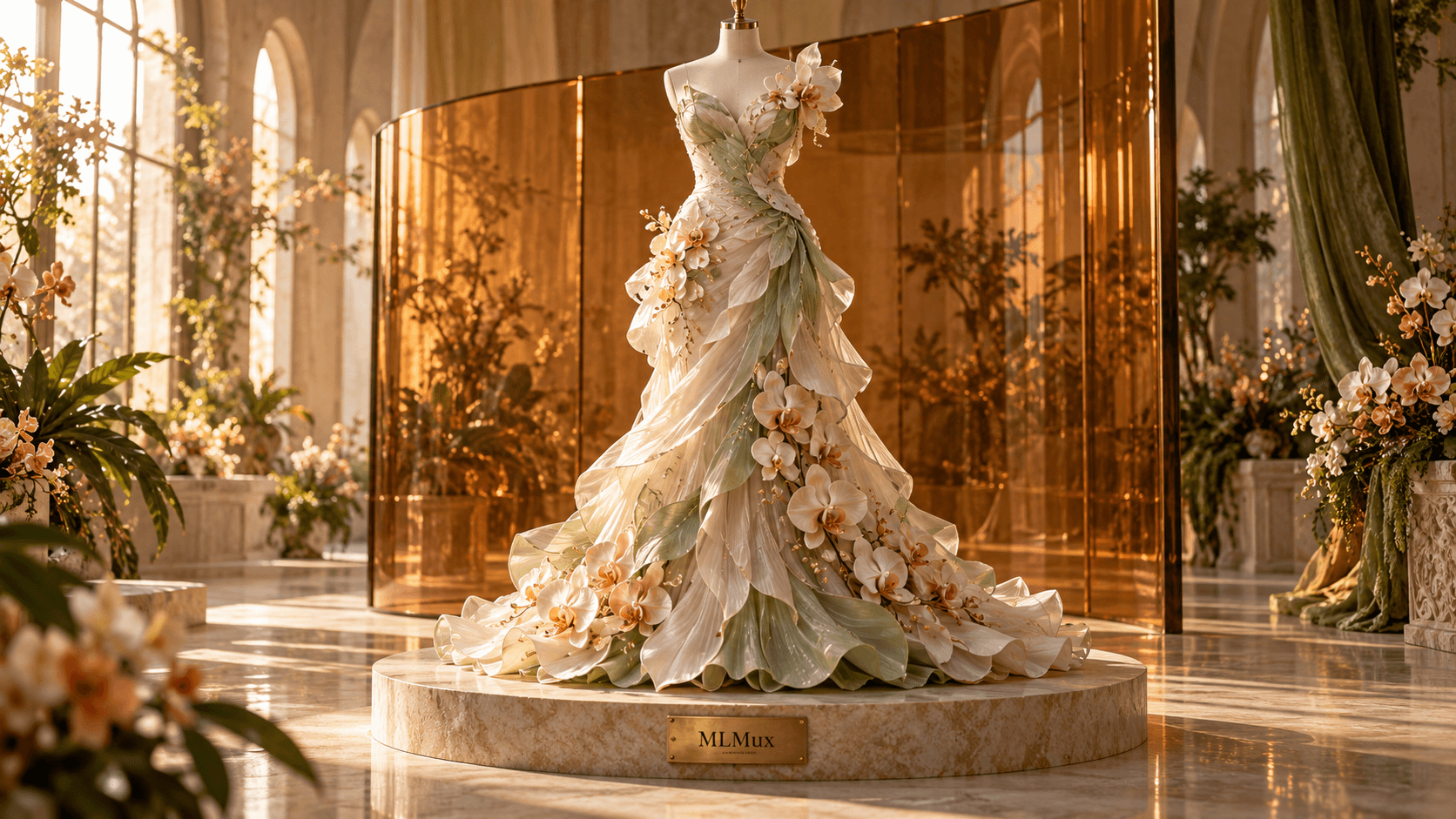
Detailed image generation.
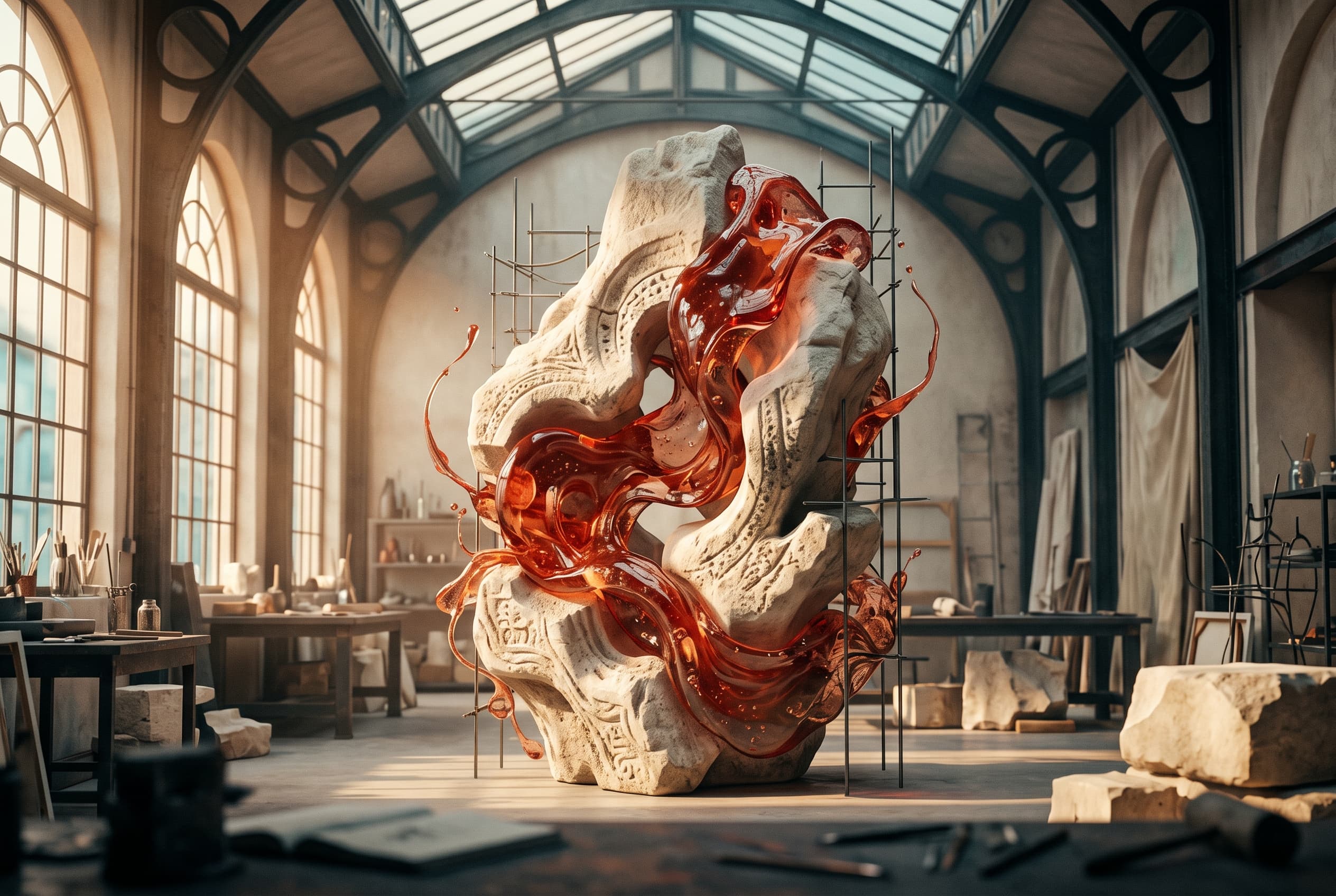
Professional image generation.
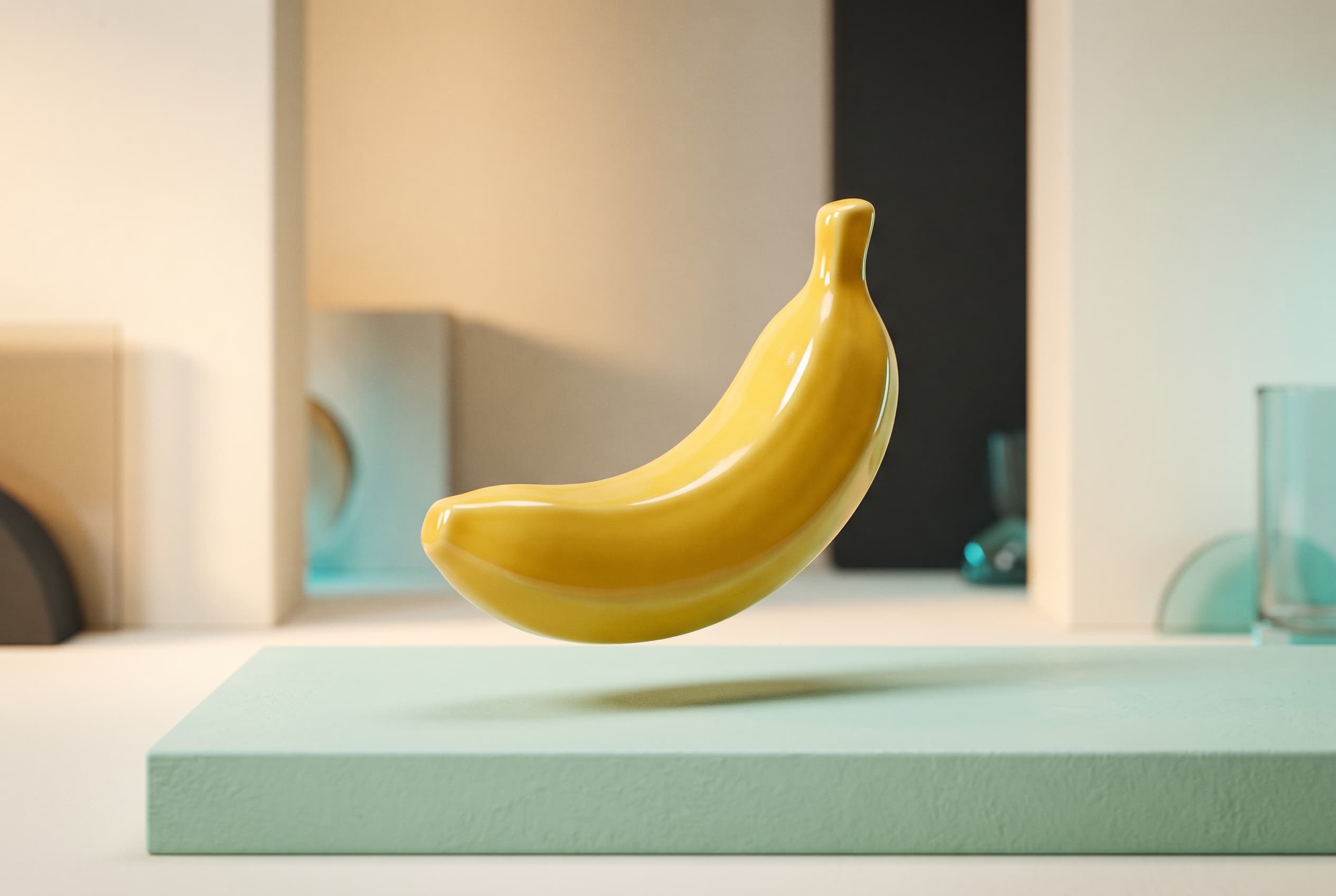
Fast conversational image generation and editing.

Efficient image generation.